Switched to a Xiaomi TV Stick, Nvidia Shield, or Onn 4K? Program TV Power, Volume, and Input signals directly into your Chromecast remote in under 1 minute — without needing the original Chromecast dongle.
CastRemote IR is made for anyone using the Chromecast Voice Remote (G9N9N) with other Android TV boxes like a Xiaomi Stick or Nvidia Shield.
While the remote pairs over Bluetooth for navigation, the TV volume and power buttons don't work out of the box because the setup menu is tied to the original Chromecast.
With CastRemote IR, you can configure your TV and soundbar power and volume in just a minute. Enjoy controlling both your TV and streaming box with the remote you already love.
Step-by-step guidance on your TV screen:
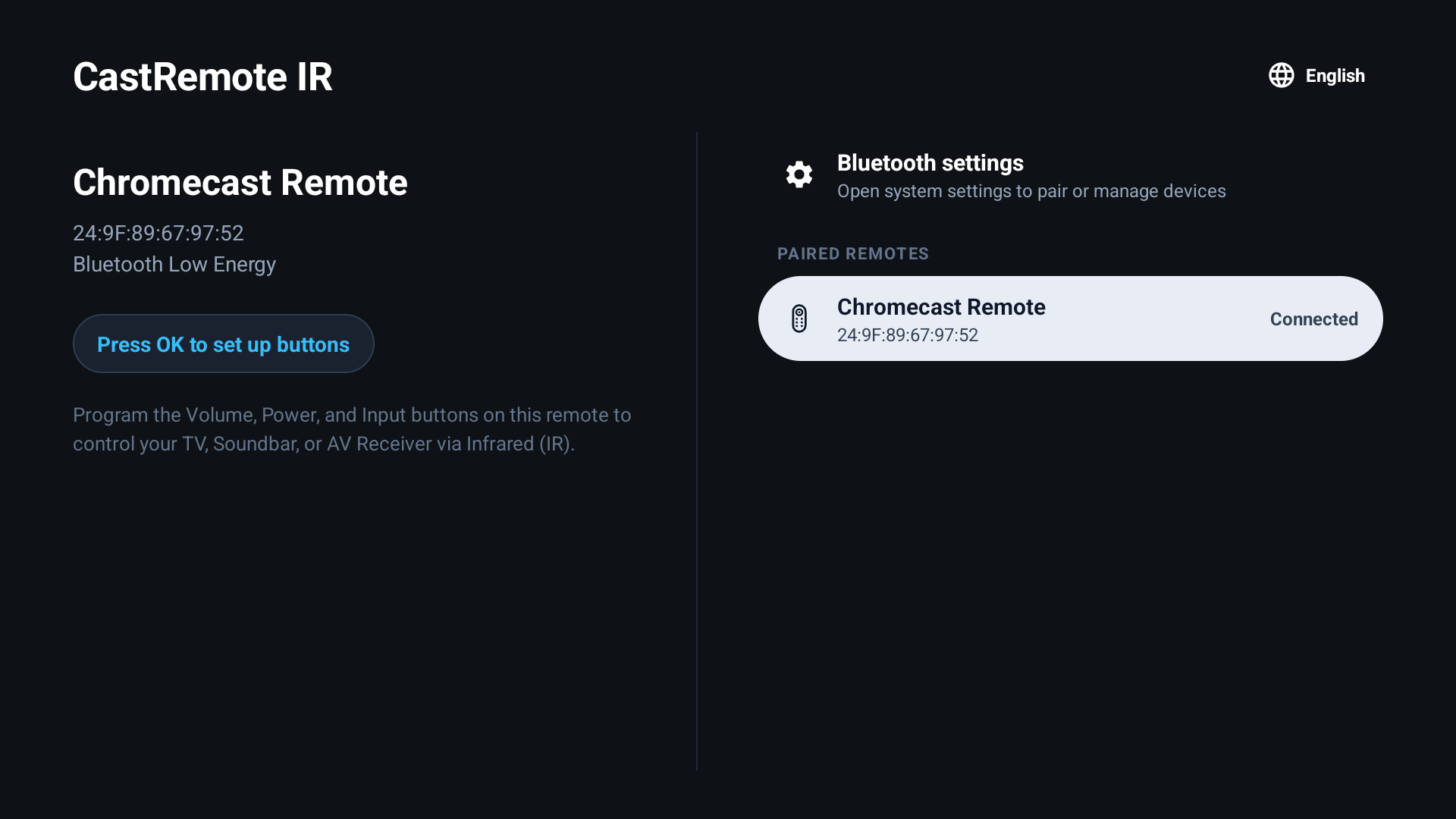
Automatically recognizes your paired Chromecast Voice Remote.
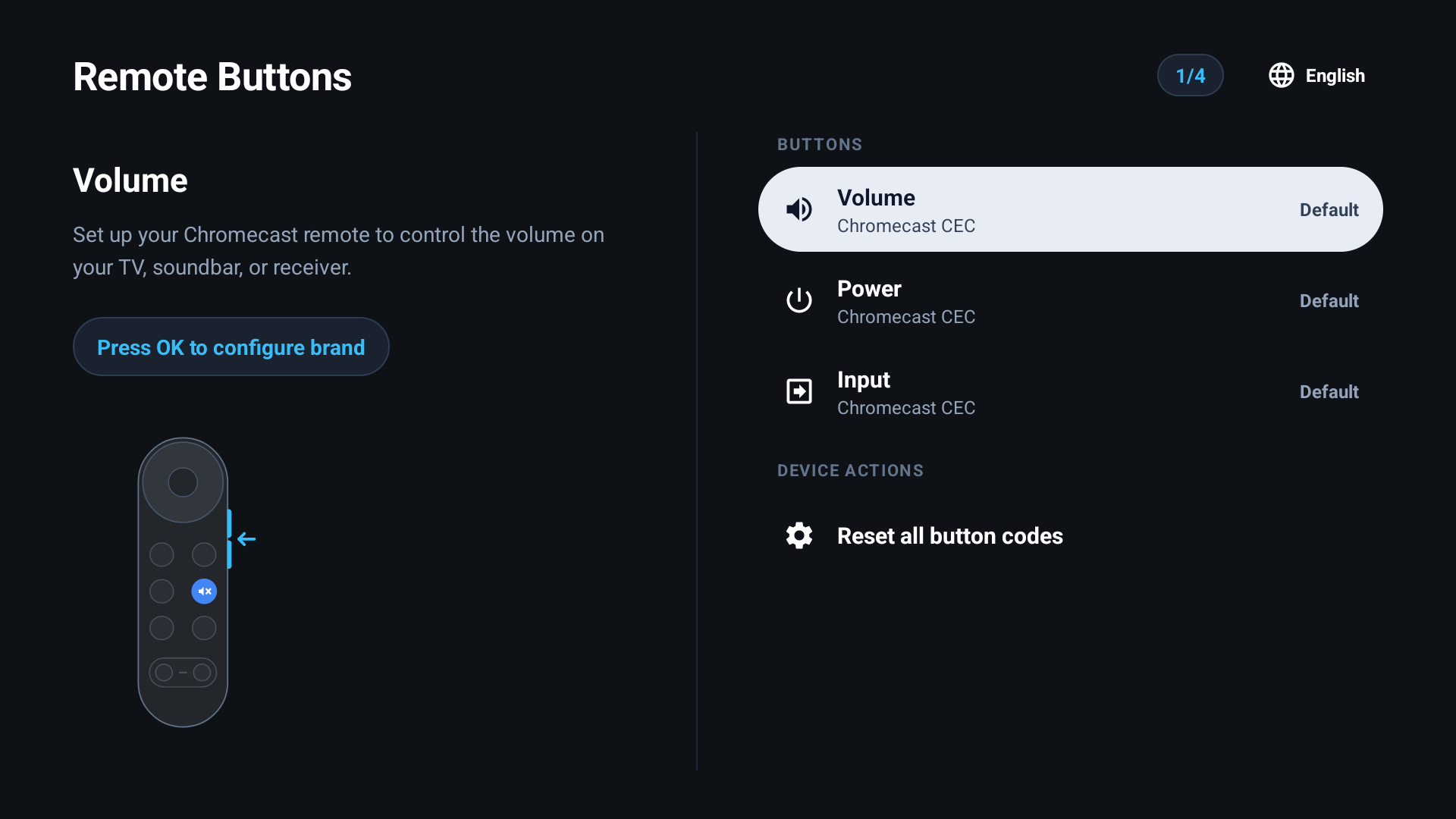
Choose which button to configure: Volume, Power, or Input.
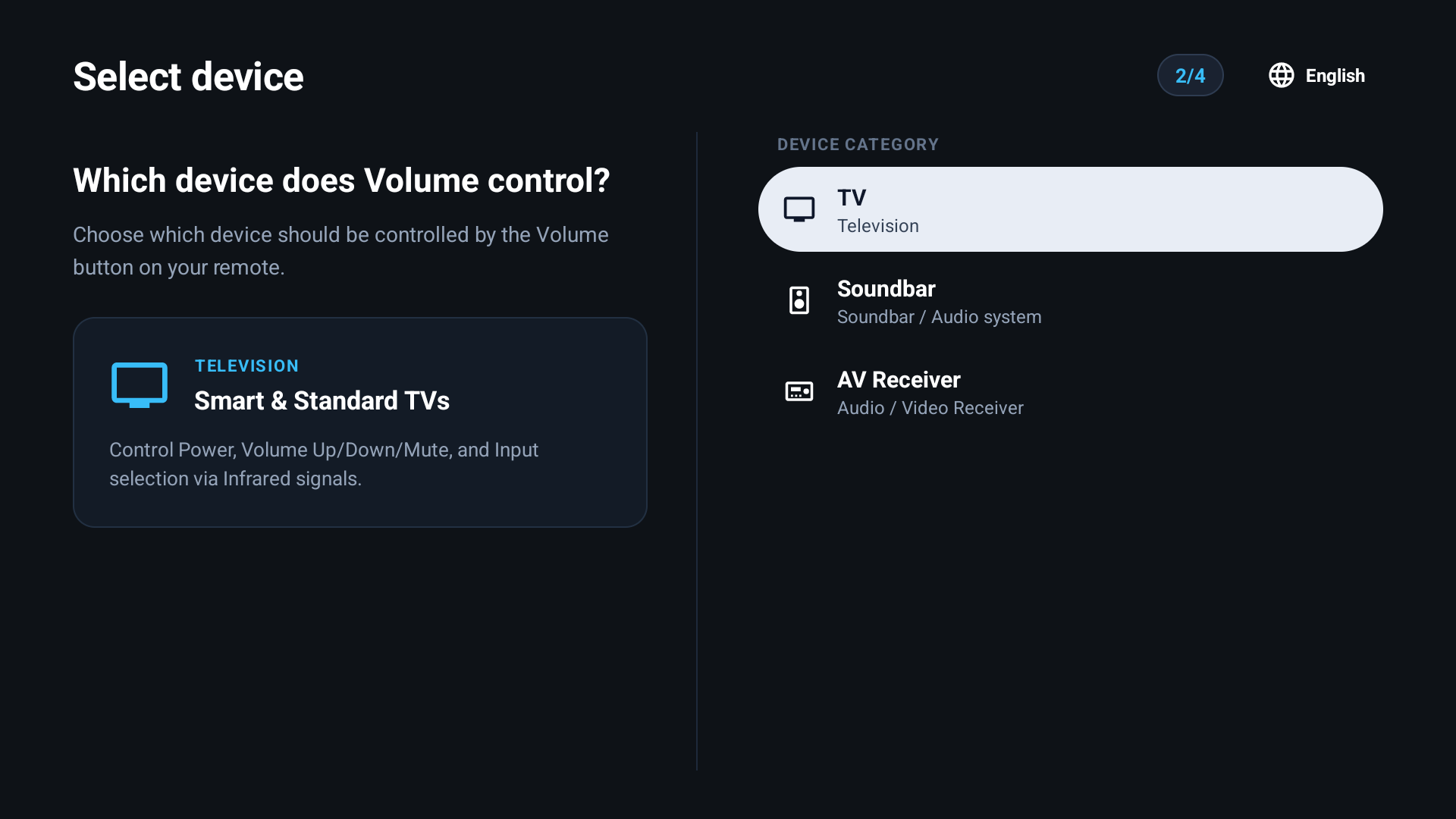
Select your TV or soundbar brand and test the infrared response.
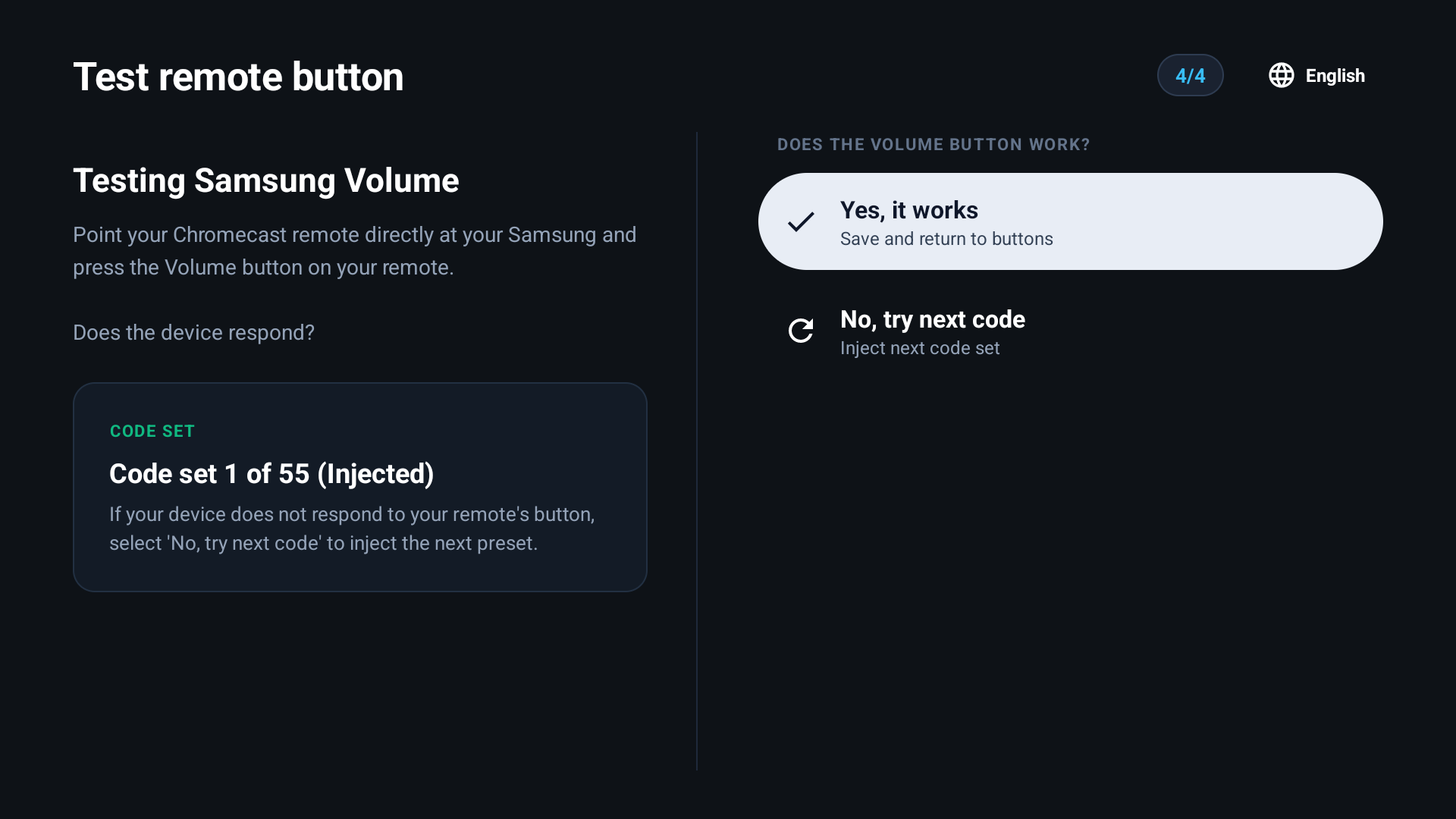
Codes are permanently committed to the remote memory.
If your new streaming player came with a bulky or uncomfortable remote, use your preferred Chromecast remote with full TV control.
If you bought the remote separately or sold the original dongle, you can still configure TV volume and power in under a minute.
Quickly restore TV volume and power buttons whenever Bluetooth is reconnected or paired to another screen.
Map optical soundbar or audio receiver volume keys right to the remote's front infrared blaster.